YouTube is concluding the year with a significant wave of platform enhancements, rolling out a range of new features designed to empower creators and enrich the viewer experience. These updates span from expanded engagement tools like voice replies and Superchat goals to advanced AI-powered creation and moderation capabilities, alongside broader access to key creator resources.
Enhanced Creator Engagement Tools
Voice Replies Expand to Millions
YouTube is significantly expanding its voice replies feature, making it available to millions of creators. This update offers a fresh way for channel managers to interact with their audience, allowing them to respond to comments with short audio clips. Initially tested with a select group of creators, this expansion provides a more personal and dynamic method for engagement, adding a unique touch to creator-viewer interactions.
Superchat Goals for Vertical Live-streams
To further incentivize viewer donations, YouTube is extending Superchat Goals to vertical live-streams. This feature enables creators to set specific donation thresholds, offering rewards or acknowledgments as goals are met during a live broadcast. The expansion aims to boost interactivity and financial support for live-streamers, providing another avenue for audience participation.
New Auto-Dubbing Preferences
YouTube is introducing a new setting for auto-dubbing, giving users greater control over their viewing experience. Viewers can now set their preferred language for dubbed content. If content is available in the original audio and the user's preferred language, it will default to the original. This update ensures that users can customize their audio preferences on both web and the YouTube app, preventing automatic translations if they prefer the original sound.
Streamlined Content Creation & Management
YouTube Create App Arrives on iOS
The dedicated YouTube Create video editing app is now available on iOS devices, following its earlier launch on Android. This app provides creators with a suite of professional video editing tools, making it easier to produce high-quality content directly from their mobile devices. The iOS launch offers another robust option for creators looking to craft polished YouTube clips with greater ease.
Expanded Channel Guidelines for Community Control
YouTube is making its Channel Guidelines feature accessible to all creators who have intermediate and advanced feature access. This tool allows channel managers to establish clear rules for conversations within comments, live chats, and community posts. By setting these standards, creators can foster more positive and constructive interactions, with viewers seeing the guidelines the first time they engage on a channel with the feature enabled.
Advanced AI for Content & Community
"Nano Banana" AI for YouTube Posts
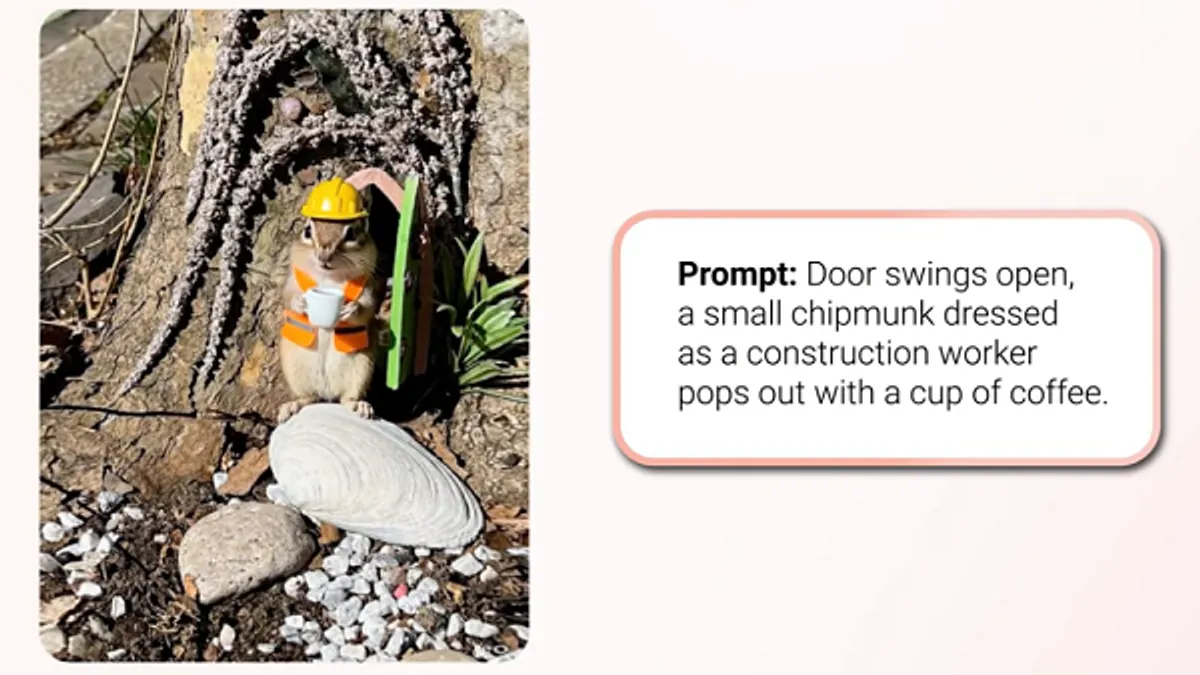
Google's latest generative AI model, "Nano Banana," is being integrated into YouTube posts, offering creators innovative ways to generate and edit visual elements. This AI tool enables users to modify images by changing backgrounds, trying on new outfits, altering hairstyles, or even time-traveling to different decades, all through simple prompts. It also allows for easy removal or modification of specific objects. Initially, Nano Banana will be available to users over 18 in the U.S., Canada, New Zealand, and India, aiming to spark more engaging community discussions.
AI-Powered Shorts Suggestions from Long-Form Videos
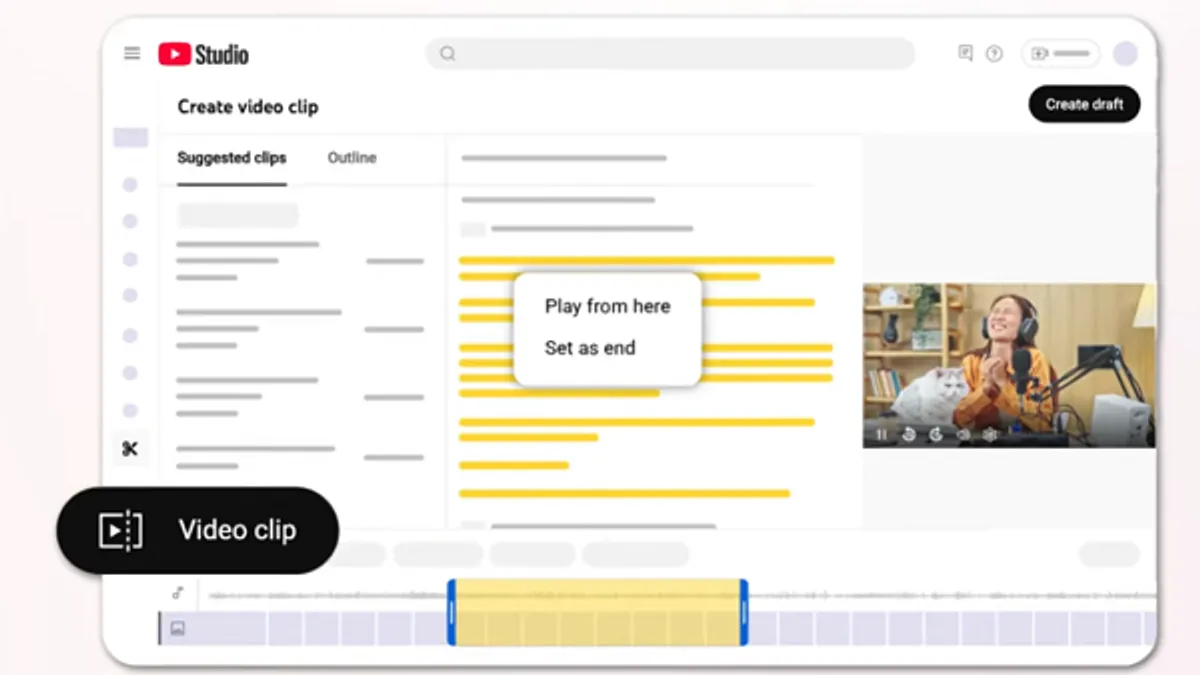
YouTube is rolling out an AI-powered feature that suggests short-form clips from creators' longer videos. This system will recommend potential Shorts segments, particularly from content within podcast playlists, to help creators expand their reach into the popular Shorts format. This feature, currently limited to creators in the U.S. and Canada, could be a significant asset for a broader content strategy, leveraging the high engagement driven by Shorts.
AI-Generated Comment Summaries
To help viewers quickly grasp the essence of discussions, YouTube is introducing AI-generated comment summaries at the top of comment sections for some videos. Similar to features on other platforms, these summaries provide a concise overview of key discussion points and common questions. The feature will be turned on by default, requiring users to select "Get summary" to view the overview. Viewers who prefer not to see the summary can simply ignore the prompt.
Refining the Viewer Experience
Dislike Button Test for YouTube Shorts
YouTube is experimenting with changes to the "Dislike" button on Shorts clips to clarify its intended purpose. The platform noted that users often conflate "Dislike" and "Not interested," leading to confusion. In this test, the "Dislike" and "Not Interested" options are merged into a single "thumbs down" icon, accessible via the three-dot menu. Some users in the experiment will see it labeled "Dislike," while others will see "Not Interested." All participants who click the "thumbs down" will receive an optional feedback survey, similar to the current "Not Interested" function, providing YouTube with valuable insights into user preferences and how best to present these options in-stream.
These end-of-year updates represent YouTube's ongoing commitment to evolving its platform, offering creators more tools for content creation and audience engagement, while also refining the viewing experience for its global user base.